New Tool! Surface Peel + Free Bonus: Adaptive Subdiv
I’m happy to share with you my recent tool: Surface Peel! It comes with lots…

It’s been a while since I posted – busy times. Let’s gather here what’s new!

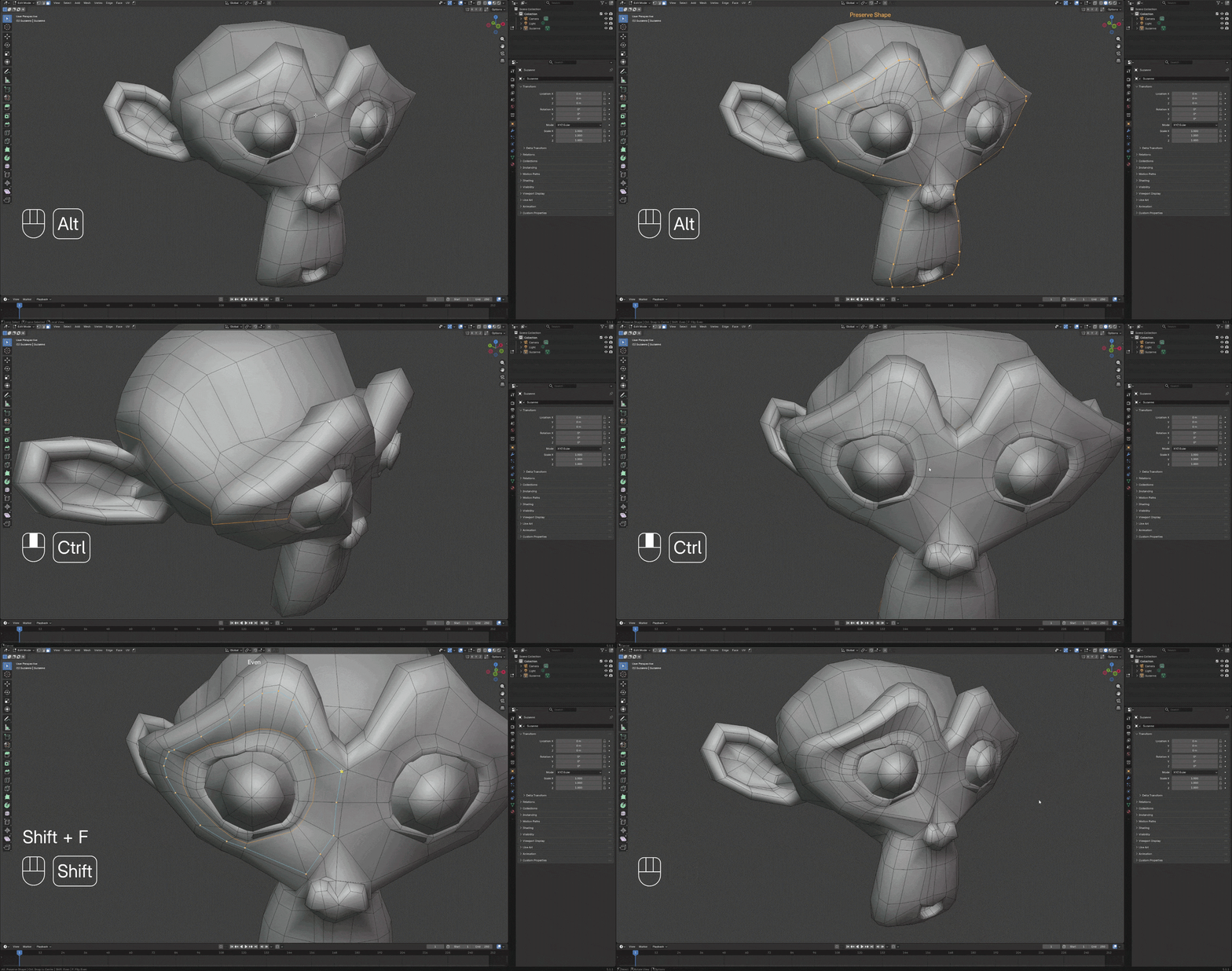
New Tool: Loop Cut Pro


Update: Tear Painter 1.3
Compatible with Blender 4.2+ Links: Gumroad | Superhive | Youtube
Most requested feature for colors picked from the texture is finally here! Indeed this new option adds to the realism of the tears significantly.
Master Size slider was added as well for a quick proportions adjustment across all of the settings, that can be then fine tuned one by one.


Update: Solidify Plus 1.5


New Tool: Ring Path Selection


Update: Adaptive Curve 1.2


I’m happy to share with you my recent tool: Surface Peel! It comes with lots…

Easing Functions is a compact Geometry Nodes group with all ready-to-use math equations for mesh…

An update to Laces Generator – a procedural geometry nodes solution for Blender – is…

Solidify Plus A couple of things happened since the last update here. Solidify Plus was…

It’s time for a bigger update! First of all a free geonode setup for previewing…

After a couple months of intense dev I can finally share newest update to Retopo…

Pretty important update for Belt Maker is here. Belt Maker 1.6 comes with speed-up, flexibility…

Introduction This is a very simple setup done with geometry nodes, that will help you…

Introduction From time to time I like to do an exercise in geometry nodes to…

I’m excited to share my newest tool with you that I’ve been cooking for past…